What Is Nucleo?
Nucleo is a premium SVG icon system designed for designers, developers, startups, and product teams. Rather than offering a single icon pack, Nucleo combines multiple icon families, consistent design systems, customization tools, and developer integrations into a complete workflow for modern digital products.
Today, Nucleo includes thousands of icons across UI, business, marketing, technology, e-commerce, and industry-specific categories. Icons are available in multiple styles and sizes, with matching concepts across families to help teams maintain visual consistency across interfaces, websites, presentations, and marketing materials.
In addition to the icon libraries themselves, Nucleo also includes a web app, native desktop applications, React packages, and free downloadable icon collections built to simplify browsing, customization, and export workflows.
Multiple Icon Families for Different Use Cases
One of the main differences between Nucleo and traditional icon packs is its family-based approach. Instead of relying on a single visual style, Nucleo includes multiple premium icon families designed for different products, interfaces, and creative workflows.
Each family follows its own visual language while maintaining strong internal consistency across sizes, proportions, spacing, and icon concepts. This makes it easier to use different styles across projects without sacrificing coherence.
- Core Icons: the original Nucleo icon family, designed as a versatile and timeless system for product interfaces, websites, marketing materials, and presentations. In addition to standard UI sizes, Core Icons are also available in larger formats like 32px and 48px, making them particularly well suited for broader design use cases.
- UI Icons: compact interface icons crafted specifically for modern products, dashboards, forms, and dense user interfaces. The family includes both 18px and 12px sizes to cover smaller UI needs while maintaining clarity and consistency across complex interfaces.
- Sharp Icons: a sharper geometric style built on a 24px grid, ideal for modern interfaces and technical products.
- Pixel Icons: retro-inspired pixel-perfect icons designed for arcade aesthetics, gaming projects, and nostalgic interfaces.
- Micro Bold Icons: bold compact icons optimized for small UI sizes and high legibility.
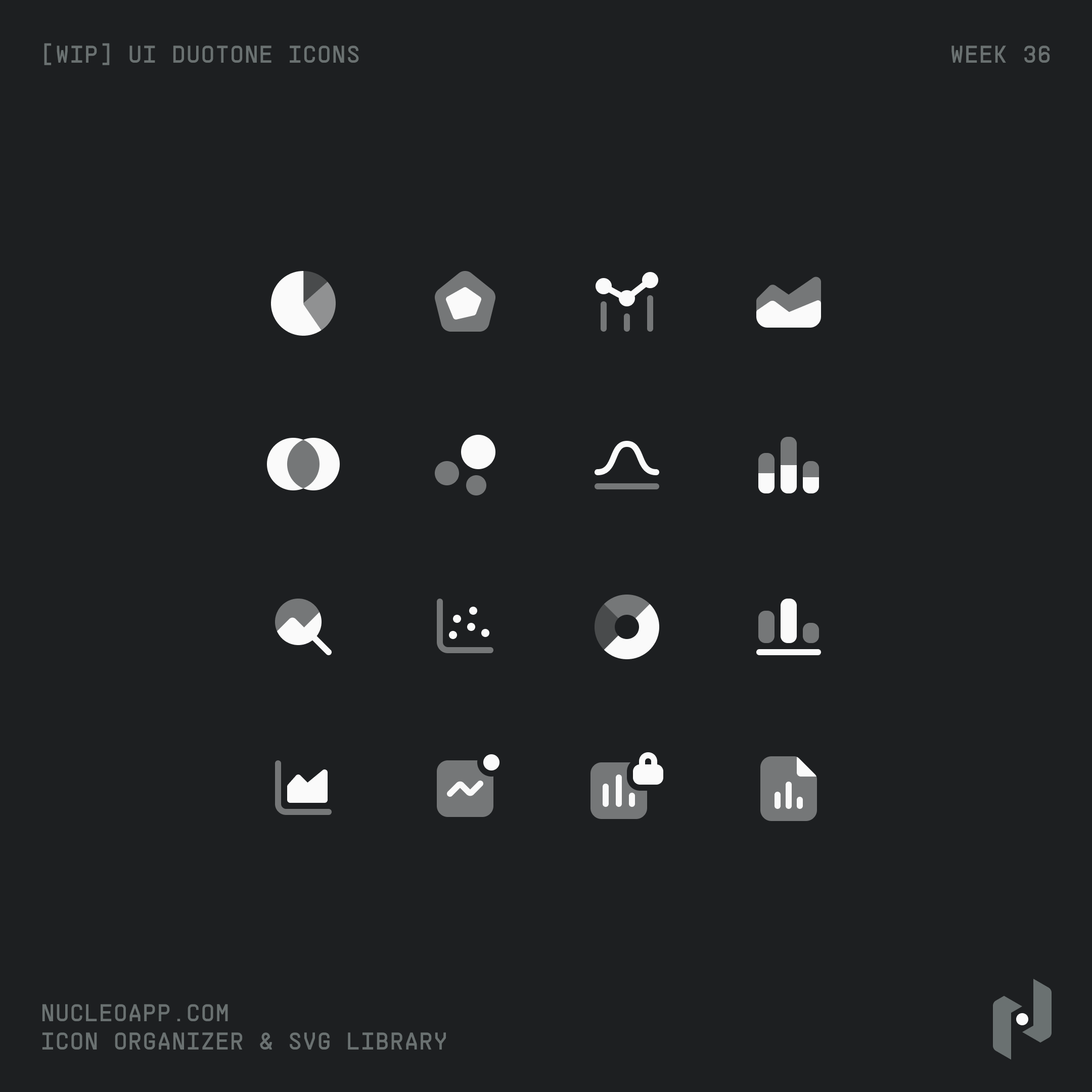
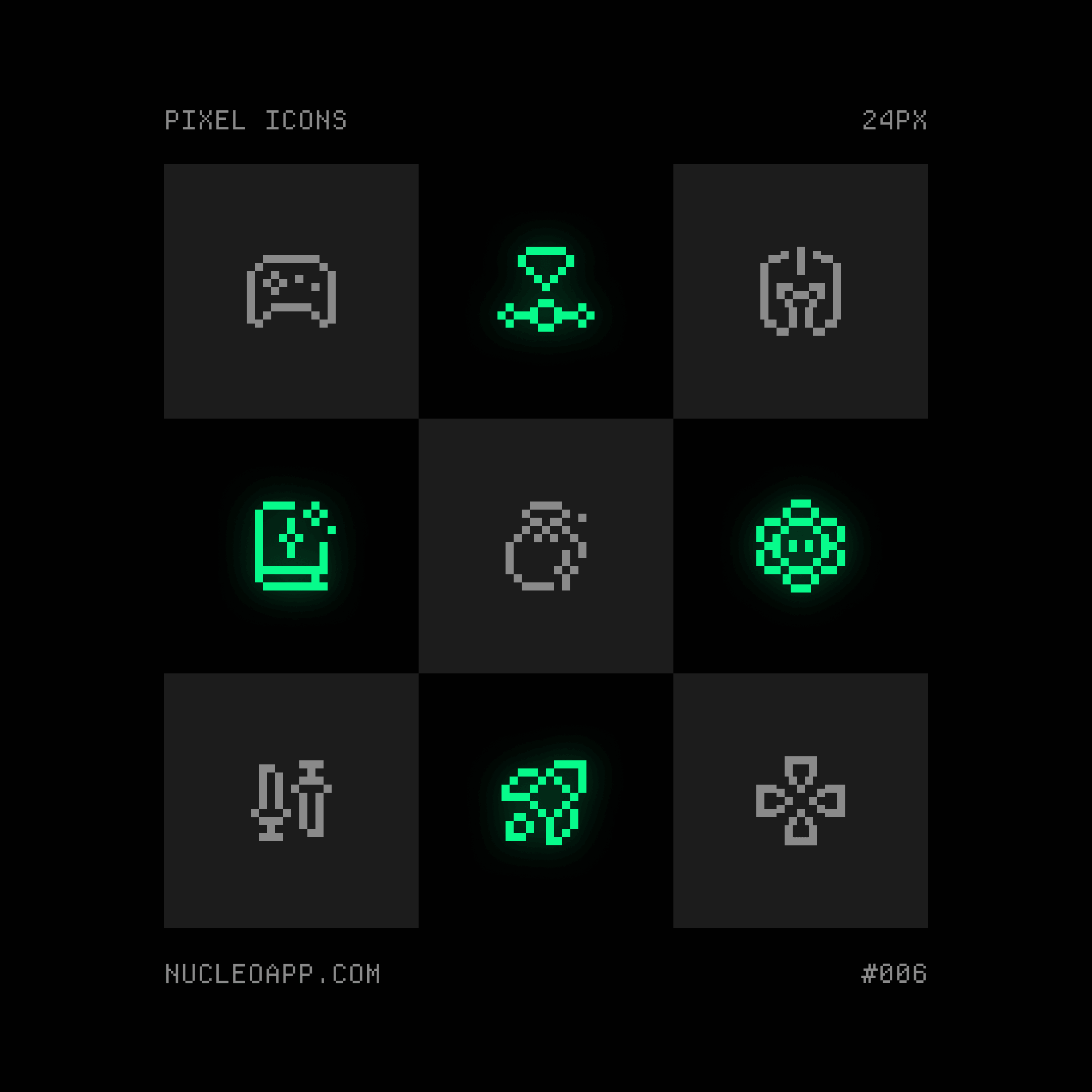
Preview of the Nucleo UI and Pixel icons
Because many icon concepts exist across multiple families, teams can adapt their visual style to different contexts while preserving recognizable metaphors and workflows.
Free Icon Collections and Specialized Sets
In addition to its premium icon families, Nucleo also offers a growing collection of free icons and specialized icon sets covering specific styles and use cases.
These collections include free SVG icons for social media, flags, credit cards, custom cursors, arcade interfaces, isometric illustrations, and more.
- Glass Icons: a free glass-style icon family featuring soft shadows and translucent effects, designed for modern interfaces, presentations, and visual explorations.
- Isometric Icons: a collection of free isometric SVG icons designed for illustrations, landing pages, onboarding screens, and 3D-inspired interfaces.
- Arcade Icons: retro-inspired pixel icons created for gaming projects, arcade interfaces, nostalgic branding, and playful digital experiences.
- Flag Icons: a free collection of country and regional flag icons optimized for localization systems, language selectors, and international products.
- Credit Card Icons: payment and credit card brand icons designed for checkout flows, e-commerce interfaces, and financial applications.
- Social Media Icons: recognizable social platform icons optimized for websites, sharing interfaces, creator pages, and digital products.
- Custom Cursor Icons: a collection of cursor-style SVG icons built for interactive interfaces, creative tools, and experimental web experiences.
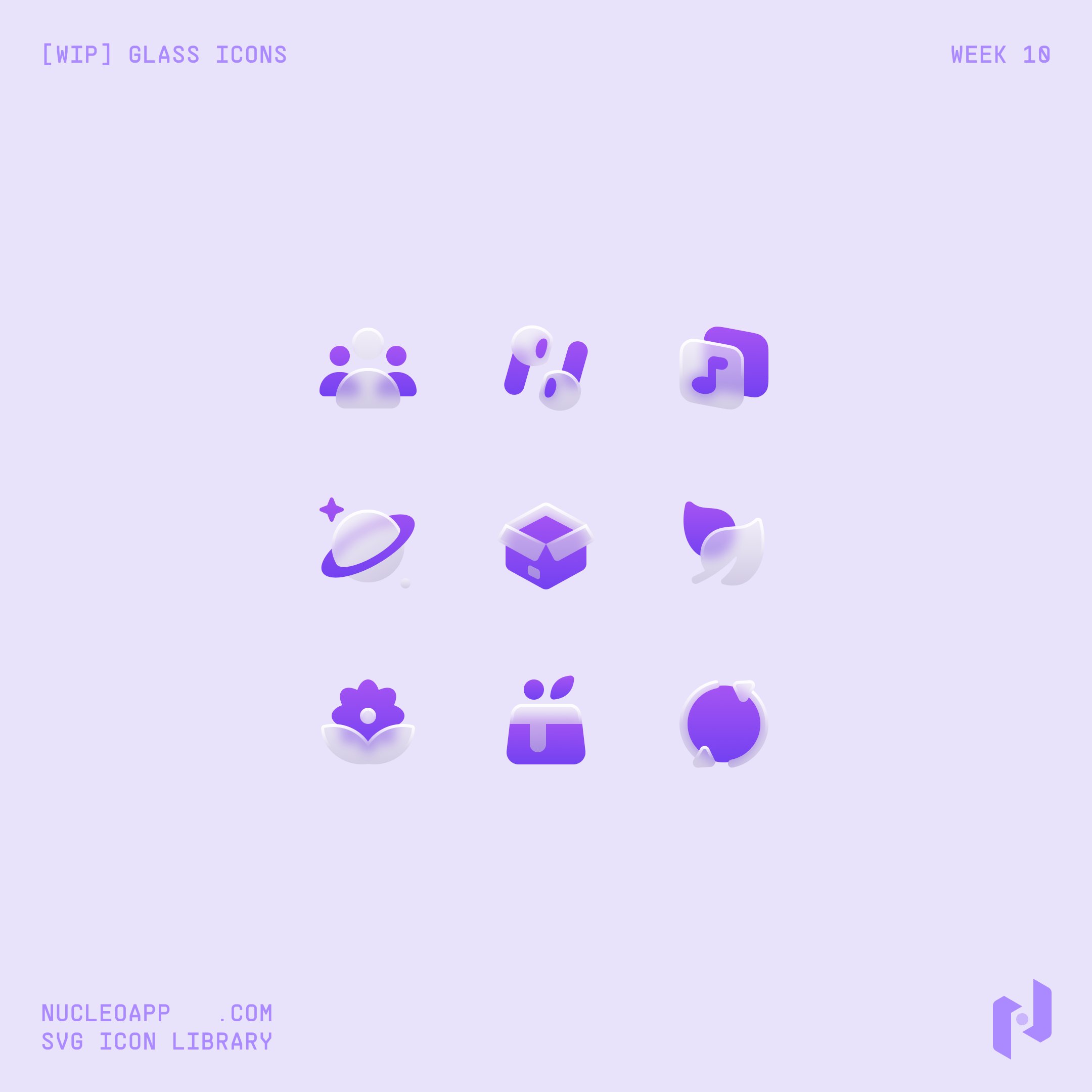
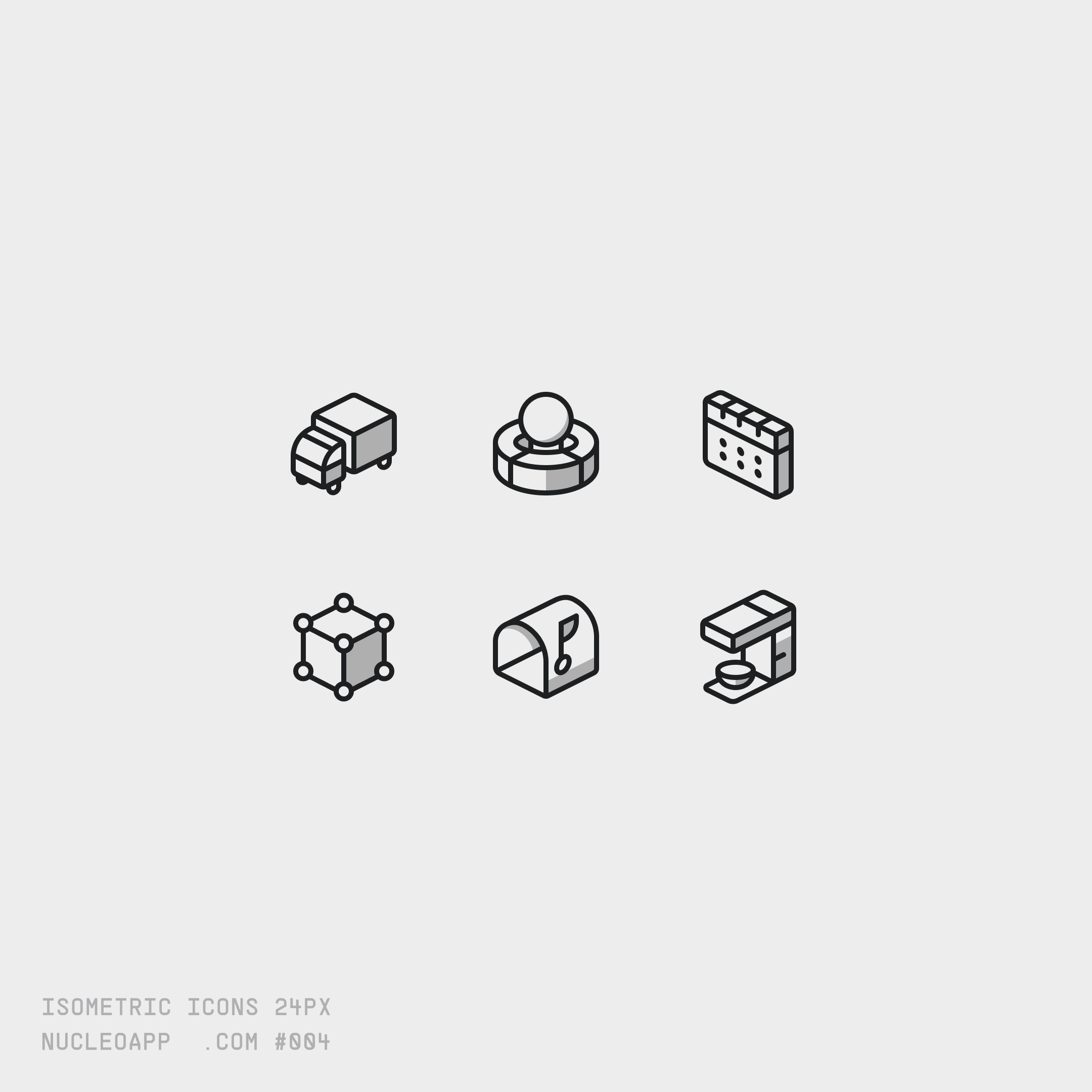
Preview of the Nucleo Glass and Isometric icons
Built for Real Product Workflows
Nucleo is designed not only as an icon library, but as a complete workflow for designers, developers, startups, and product teams. In addition to downloadable SVG assets, Nucleo includes browser-based tools, native desktop applications, and developer integrations built to simplify browsing, customization, organization, and implementation across modern digital products.
Web App
The Nucleo Web App provides a fast browser-based workflow for exploring icon families, testing styles, customizing colors and sizes, and exporting assets directly from the browser. It also gives users access to free icon collections and allows teams to quickly evaluate icons before integrating them into projects.
The web app is designed for speed and accessibility, making it easy to search across thousands of icons, compare styles, and export optimized SVG, PNG or TSX (React) assets for interfaces, presentations, websites, and product design workflows.

Preview of the Nucleo web app
Native Desktop Applications
In addition to the web experience, Nucleo also provides native desktop applications for macOS and Windows. The desktop apps are built for more advanced workflows, allowing users to organize icons locally, manage custom collections, import custom icons, and streamline export operations across large projects.
The native applications are especially useful for teams and designers working daily with design systems, large icon collections, and production workflows where organization and speed are essential.
Preview of the Nucleo desktop application
React Packages
For frontend teams and developers, Nucleo also provides React packages designed for direct integration into modern applications. Instead of manually exporting and managing SVG files, developers can import icons directly into React projects while maintaining consistency across interfaces and design systems.
The React ecosystem helps simplify implementation workflows for SaaS products, dashboards, internal tools, and component libraries, making Nucleo easier to integrate into scalable frontend architectures.
Why Teams Use Nucleo
Nucleo was created to solve a common problem in modern product design: finding icons that are not only visually consistent, but also scalable, organized, and easy to work with across long-term projects.
Unlike large open marketplaces where icons are created by thousands of contributors, Nucleo is designed and maintained by a small team focused on consistency and quality control. This allows icon families to share the same visual logic across sizes, proportions, spacing, naming conventions, and concepts.
Many icon concepts are available across multiple families and styles while preserving the same names, tags, and visual metaphors. This makes it easier for teams to switch styles, expand design systems, and maintain consistency across products, marketing websites, dashboards, and presentations.

Preview of the Nucleo icons
All icons are carefully optimized and regularly reviewed to ensure clarity and balance at different sizes. Each family follows strict internal rules around stroke widths, optical volume, spacing, and proportions. For example, UI Icons use a consistent 1.5px stroke system specifically optimized for interface design.
Some families, including Core Icons and UI Icons, also support customizable stroke widths directly inside the Nucleo apps. Icons are intentionally designed to remain visually balanced across multiple stroke values, allowing teams to adapt them to different products and visual styles without manually redrawing assets.
In addition to icon quality itself, Nucleo also focuses heavily on organization and workflow. Icons are carefully tagged and categorized to simplify search, reduce friction during design workflows, and improve designer-to-developer handoff across teams and projects.
Today, Nucleo is used across product interfaces, SaaS dashboards, websites, presentations, internal tools, and marketing systems by teams looking for a more scalable and organized alternative to fragmented icon marketplaces or minimal open-source sets.
FAQ
Is Nucleo free?
Nucleo includes both free and premium icon collections. Free icon families are fully accessible and support SVG, PNG, TSX, and React exports, along with customization features available through the Nucleo apps.
Nucleo also provides free subsets of its premium icon families, allowing users to explore styles, customize icons, and export selected assets before purchasing the full collections. The Nucleo web app and desktop applications are both available for free and include access to all free icons and preview subsets of the premium families.
What makes Nucleo different from other icon libraries?
Nucleo focuses on long-term consistency, scalable workflows, and curated design systems rather than large contributor-based marketplaces. Icons are designed with shared naming conventions, consistent proportions, optimized stroke systems, and matching concepts across multiple families and styles.
Does Nucleo include SVG icons?
Yes. Nucleo is primarily built around SVG workflows, allowing teams to customize, export, and integrate icons across websites, applications, presentations, and product interfaces.
Can I customize Nucleo icons?
Yes. Many icon families support customization directly inside the Nucleo web and desktop applications, including size, color, and stroke adjustments for compatible families like Core Icons and UI Icons.
Does Nucleo support React?
Yes. Nucleo provides React packages designed for modern frontend workflows, allowing developers to integrate icons directly into React applications and component systems.
Who is Nucleo designed for?
Nucleo is designed for designers, developers, startups, agencies, and product teams looking for a scalable icon system that works across interfaces, dashboards, websites, presentations, and marketing materials.
Can I use Nucleo icons for commercial projects?
Yes. Nucleo icons are commonly used across commercial products, SaaS platforms, client projects, websites, applications, and marketing materials.
Does Nucleo include multiple icon styles?
Yes. Nucleo includes multiple icon families and visual systems designed for different use cases, including interface-focused icons, presentation-friendly systems, pixel-inspired sets, sharp geometric styles, and specialized free collections.
Different families also support different stylistic variations. For example, Core Icons are available in both outline and fill styles, while UI Icons include outline, fill, duotone outline, and duotone fill variations.
