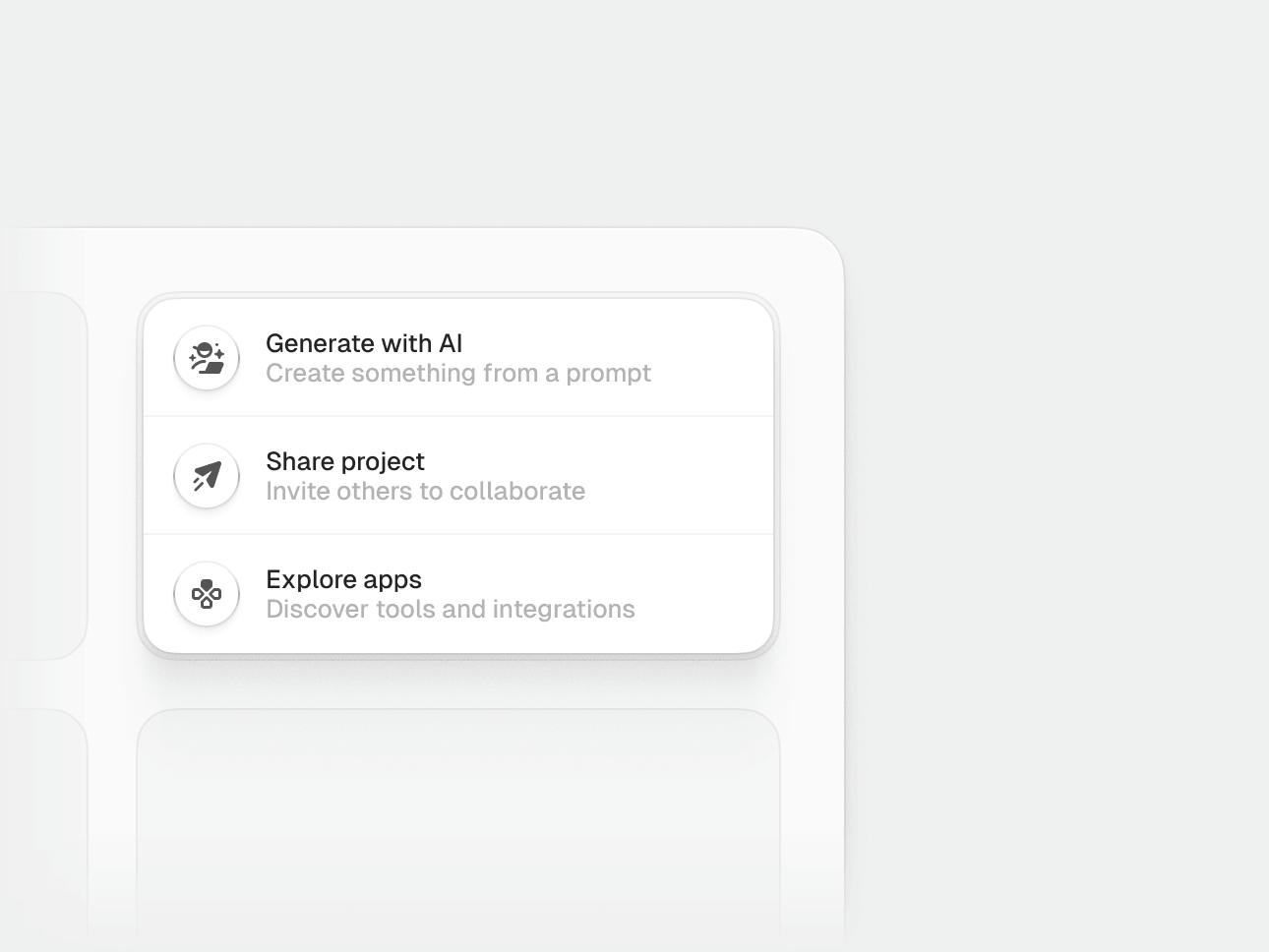
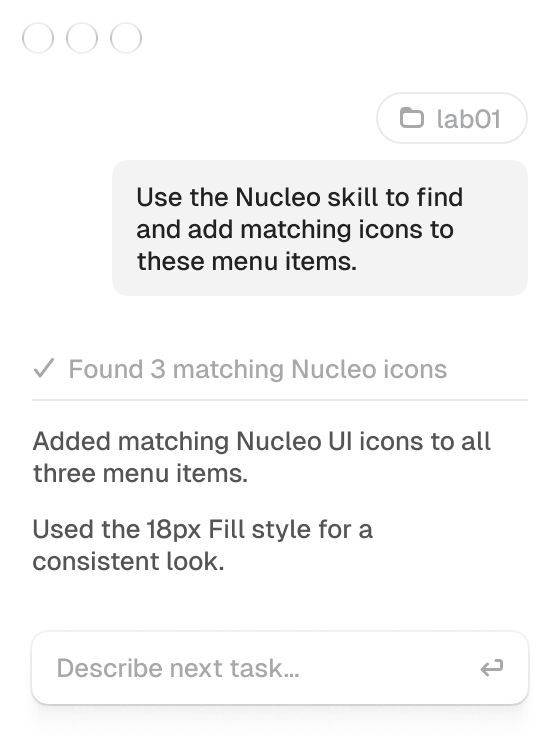
Install the Nucleo MCP server and agent skills so your AI coding tool can search your licensed icon families, insert React or Vue components or SVGs, and customize icons, all from the chat.
What you can do
Once installed, ask your AI tool naturally. Typical requests:
- Search icons by name or idea across your families (core, ui, sharp, pixel...)
- Pick a family, style (outline, glyph, outline duo…), and size when it matters
- Get the right React or Vue component or SVG for your project
- Customize icons (options depend on the family — see Icons customization)
Install with the CLI
Recommended if you use Cursor, Claude Code, or Codex. Requires Node.js 20+.
npx @nucleoicons/skills setup --target react --tools cursorRequired flags:
--target:react,vueorvanilla--tools: one or more ofcursor,claude,codex
npx @nucleoicons/skills setup --target react --tools cursor
npx @nucleoicons/skills setup --target vue --tools cursor
npx @nucleoicons/skills setup --target vanilla --tools cursor,claude
Setup signs you in with your Nucleo account, downloads your licensed package to ~/.nucleo/skills, and configures the editors you choose (skills + MCP). Then reload MCP in your editor.
Licensed and free icons
The CLI can install your licensed families and/or the free icon sets.
Licensed
Default setup (no extra flag). Signs you in and downloads your licensed families plus the free icon sets:
npx @nucleoicons/skills setup --target react --tools cursorFree
No account required. Add --free to install free families (glass, arcade, isometric, flags, cursors, social-media, credit-cards) plus MCP and skills:
npx @nucleoicons/skills setup --free --target react --tools cursorSupported editors
| Tool | --tools value |
|---|---|
| Cursor | cursor |
| Claude Code | claude |
| Codex | codex |
How to use it
After setup, reload MCP and ask something like:
What Nucleo icon families do I have?More examples:
- “Find a settings icon in Nucleo UI”
- “Insert the home icon as a React component”
- “Search for a folder icon in core outline 24”
- “Use the sharp version of that icon”
- “Make the stroke thicker” / “change the secondary color”
Icons customization
Each icon family has different customization options. Ask your agent for the full list for the family you are using.
Ask something like:
What customizations does the UI family have?Can I customize the colors of the glass icons?Update
When we release new icons or package fixes:
npx @nucleoicons/skills updateAfter updating, reload MCP again.
Using a different AI tool
If you use an editor that isn’t Cursor, Claude Code, or Codex, download the MCP + skills zip packages from your account instead of (or in addition to) the CLI.
- Go to Source Files while signed in
- Under Nucleo Skills / MCP, download the React, Vue or Vanilla SVG packages for your license
- Full-library users get one bundle zip; partial licenses get shared (MCP + skills) plus each licensed family
- Unpack the zips into one folder, then point your tool’s MCP config at the
mcp/dist/index.jsentry and load theskills/folders
Set NUCLEO_SKILLS_ROOT to that install folder so the MCP can find your icons. The exact MCP config format depends on your tool.