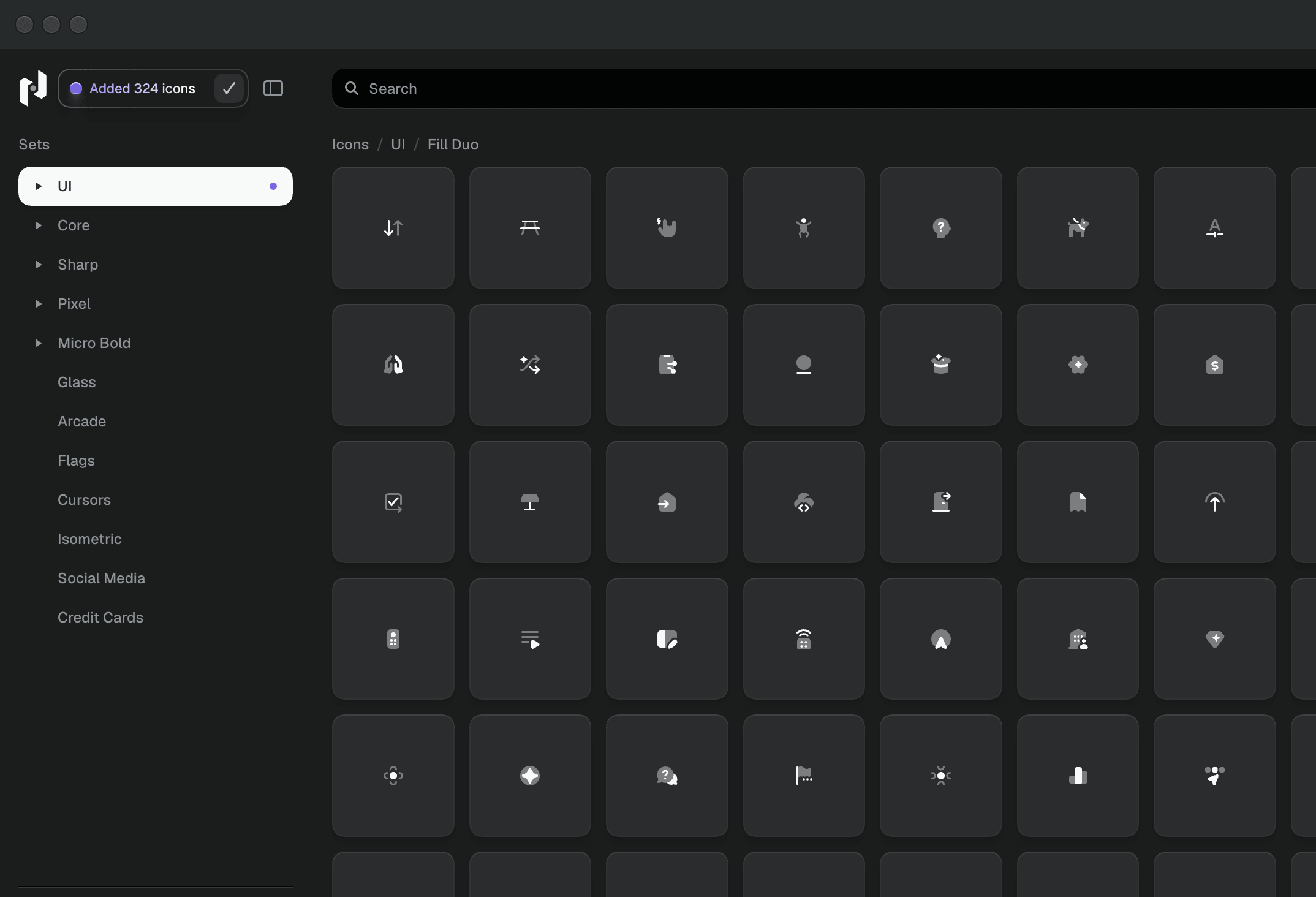
-
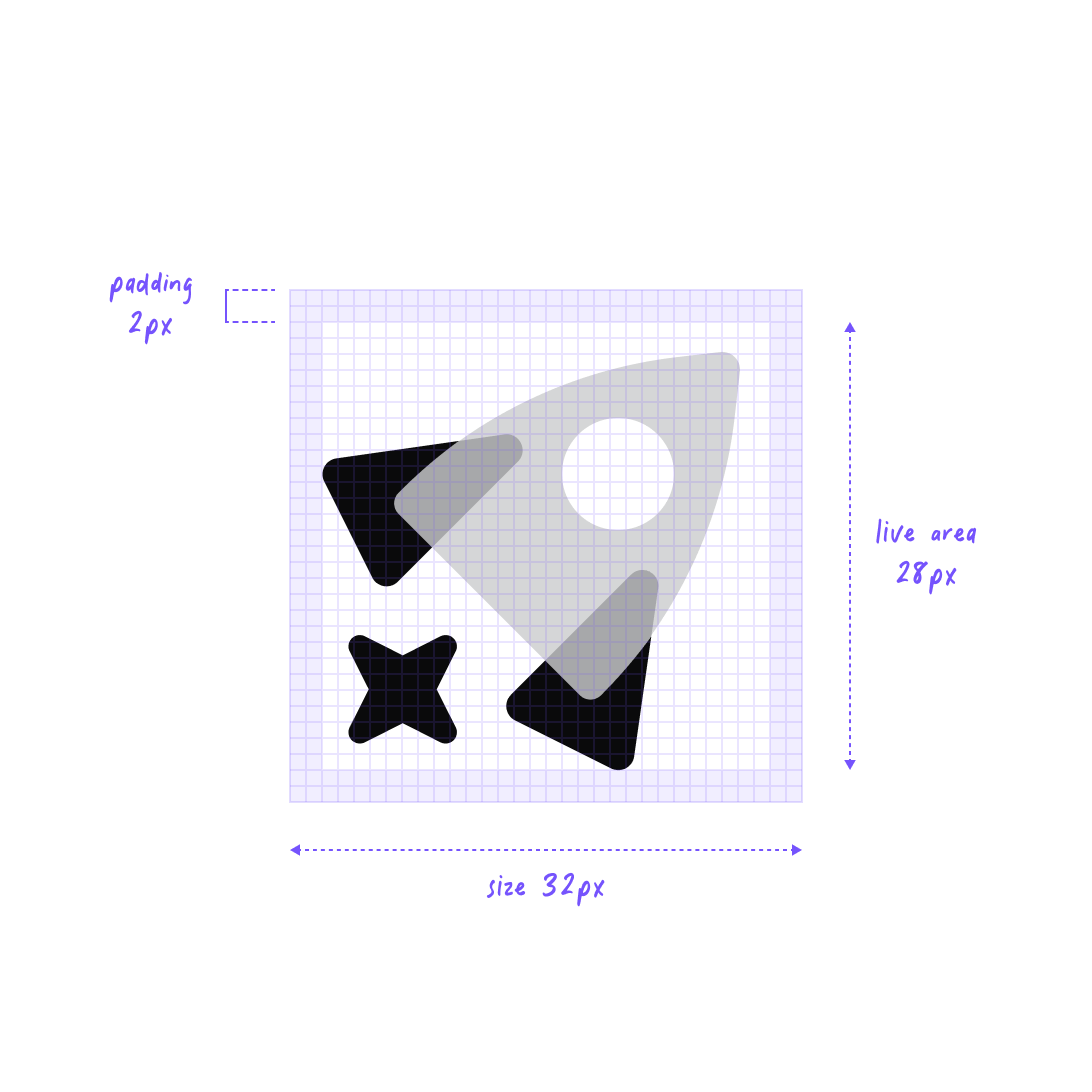
Blend icons are drawn on a 32px grid, inside a 28px live area with 2px of padding. The larger canvas leaves room for overlapping shapes and small accents, like the sparkle next to this rocket. -
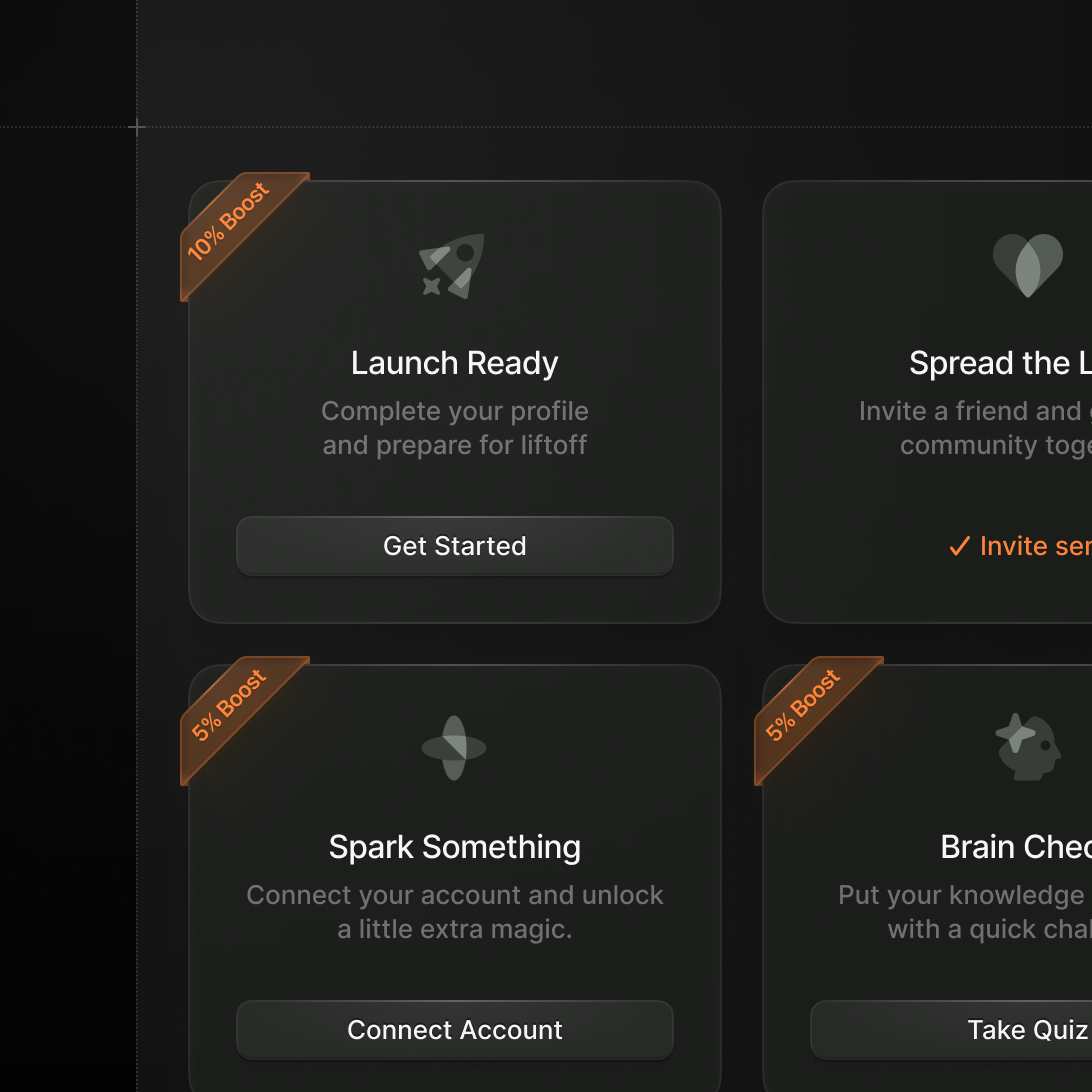
Blend icons aren't only for bright, colorful pages. With the three colors set to muted grays, a rocket, a heart, a sparkle, and a brain sit quietly on dark onboarding cards, giving each task a clear visual anchor.
-
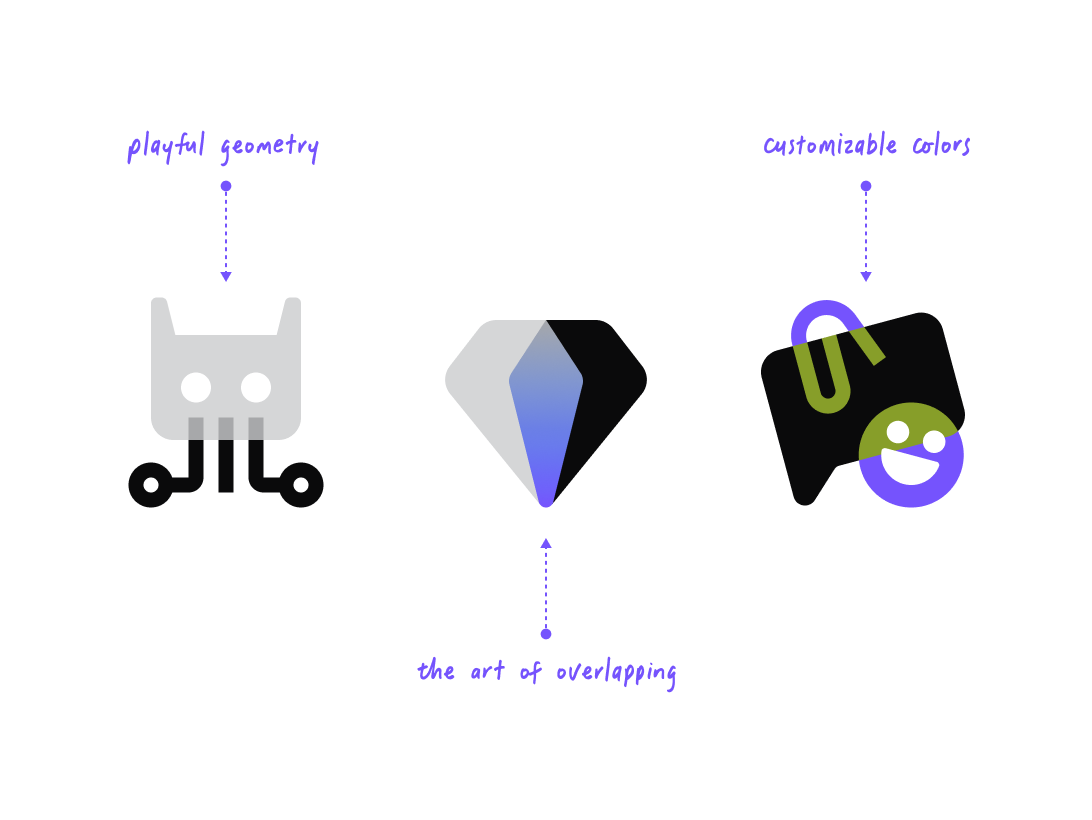
Playful geometry keeps a robot, a diamond, and a chat bubble in the same family. Where two shapes overlap, a third color fills the shared area, and all three colors can be changed to match your brand. -
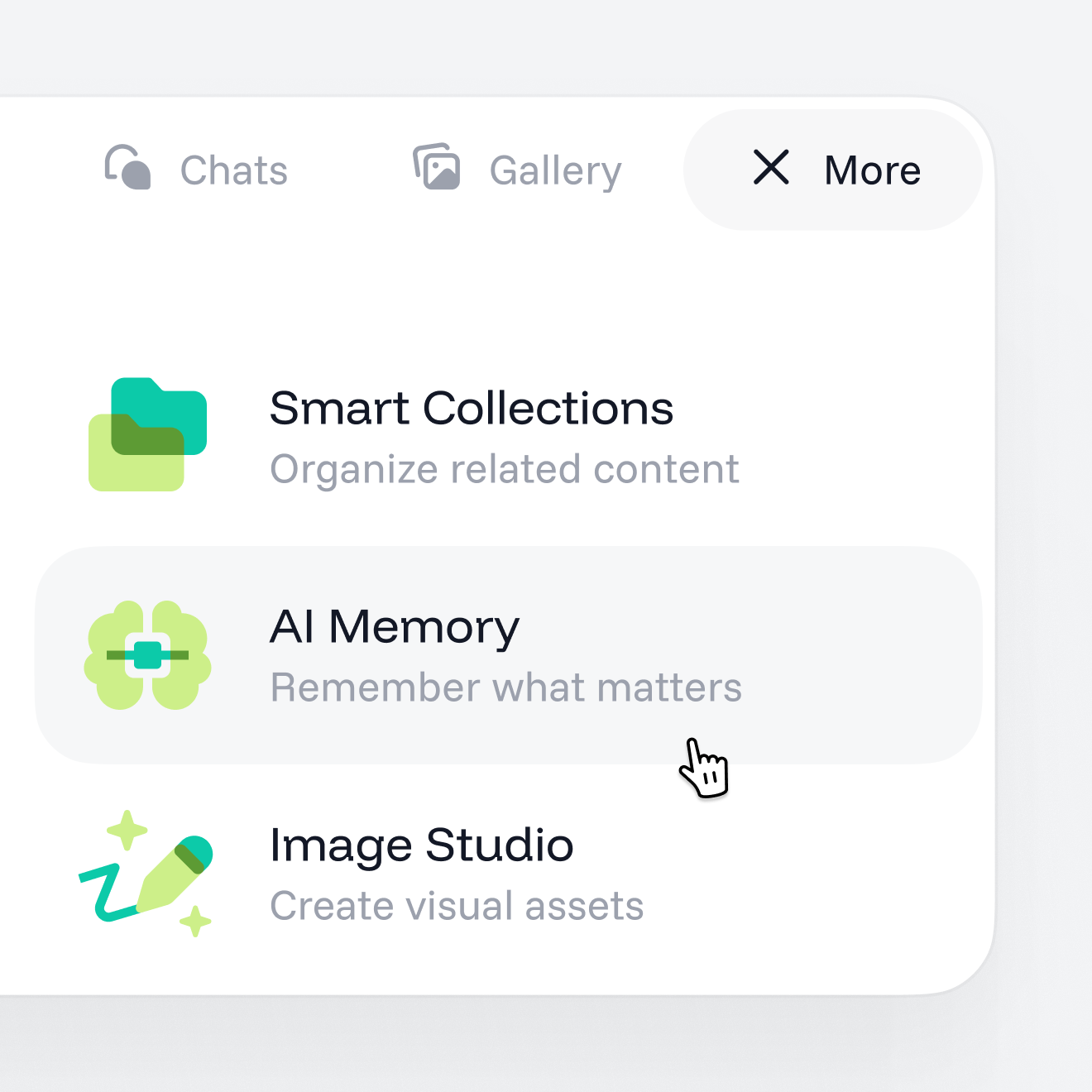
Blend icons help key features stand out. In this menu, Smart Collections, AI Memory, and Image Studio get larger icons in lime, teal, and green, while the tabs above keep simple, one-color icons.